Bingo is the most-requested activity in senior living for a reason: everyone knows the rules, it's social, and you can play it with a room of thirty or a table of three. A few small changes make it work much better for older players, especially anyone with low vision, hearing loss or memory changes.
What do you need to play bingo with seniors?
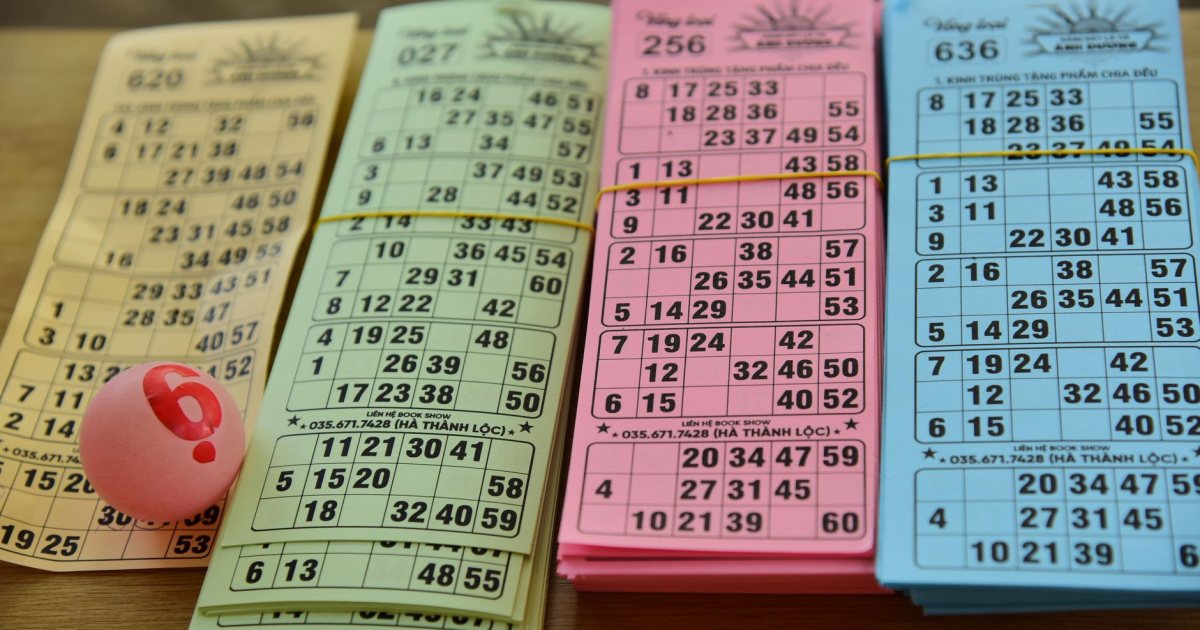
- Cards. Large-print 75-ball cards (B-I-N-G-O, numbers 1 to 75) with a free center space. You can print unique cards free, 10 to 100 at a time.
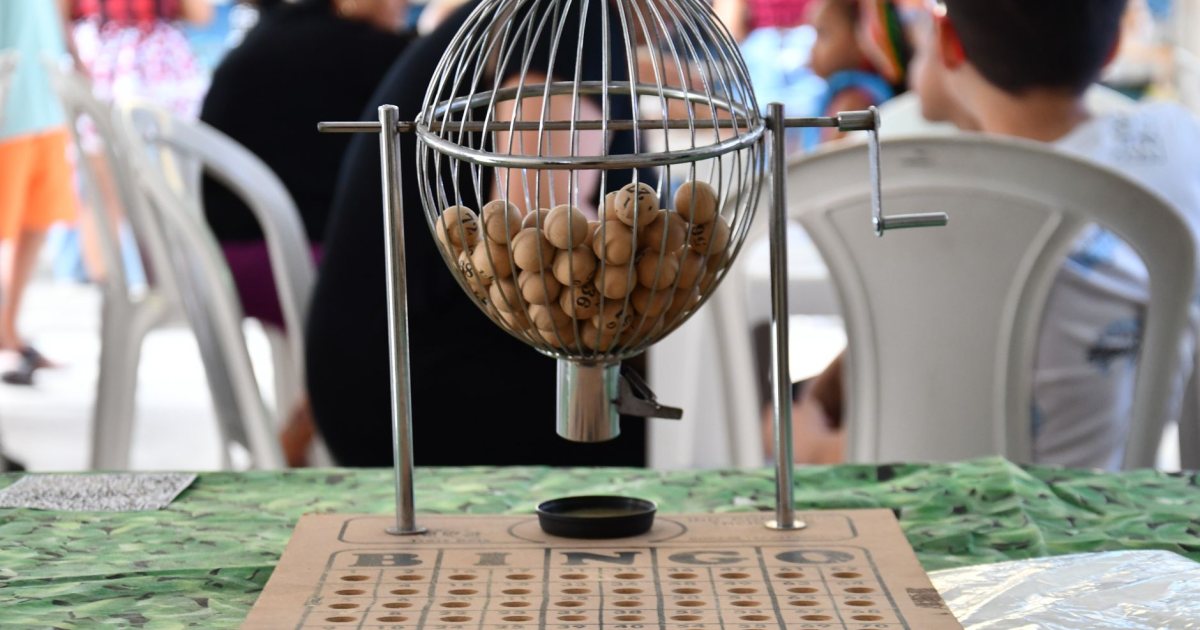
- A caller. A free online bingo caller on a TV, laptop or tablet replaces the cage and balls.
- Markers. Bingo daubers, coins, buttons, or cereal. Chips that are easy to pick up matter for arthritic hands.
- Prizes. Optional, but popular.
How to call bingo, step by step
- Hand out cards and explain the pattern. Start with a straight line (across, down or diagonal). Save four corners and blackout for later games.
- Put the caller on the big screen. Open the caller, press Full screen and choose 75-ball.
- Turn on read-aloud if it helps. The caller can speak each call, so you can walk the room and help people mark their cards.
- Call slowly. Press Call next, say the call twice ("N... 42. N 42."), and wait until most players have looked down and back up. Auto mode can call every 8, 12 or 20 seconds if you want a steady pace.
- Check winners against the board. When someone calls BINGO, read their numbers back; the caller's board shows every number already called.
- Start a new game. Press New game to reset the board.
Tips that make bingo easier for older players
| Challenge | What helps |
|---|---|
| Low vision | Large-print cards, the call shown big on a TV, bright overhead light |
| Hearing loss | Show every call on screen and say it twice; face the room |
| Arthritis | Daubers or big chips instead of small tokens |
| Memory loss | Picture or word bingo, one pattern only, a helper at each table |
| Fatigue | 3 to 5 quick games instead of one long blackout |
Word bingo and themed bingo
Switch the caller to Word bingo and type your own list (holiday words, 1950s TV shows, Bible heroes) for a change from numbers. Themed sets for holidays, nostalgia decades, baby showers and Sunday school are also available as ready-to-print cards with matching calling cards. If you want completely custom cards, the custom bingo card generator turns any word list into up to 60 different cards.
Bingo prize ideas that don't cost much
- Individually wrapped snacks or candy (check diets first)
- Lotion, lip balm, socks and puzzle books
- "First in line for lunch" or "pick the next movie" coupons
- Raffle tickets for a bigger monthly prize
Tip for families: Bingo works at home too. Put the caller on the living-room TV during a visit and play with the grandkids. It's an easy way to spend time together that doesn't depend on conversation.
 1960s Nostalgia Bingo: 40 Printable Cards (Regular + Large Print)
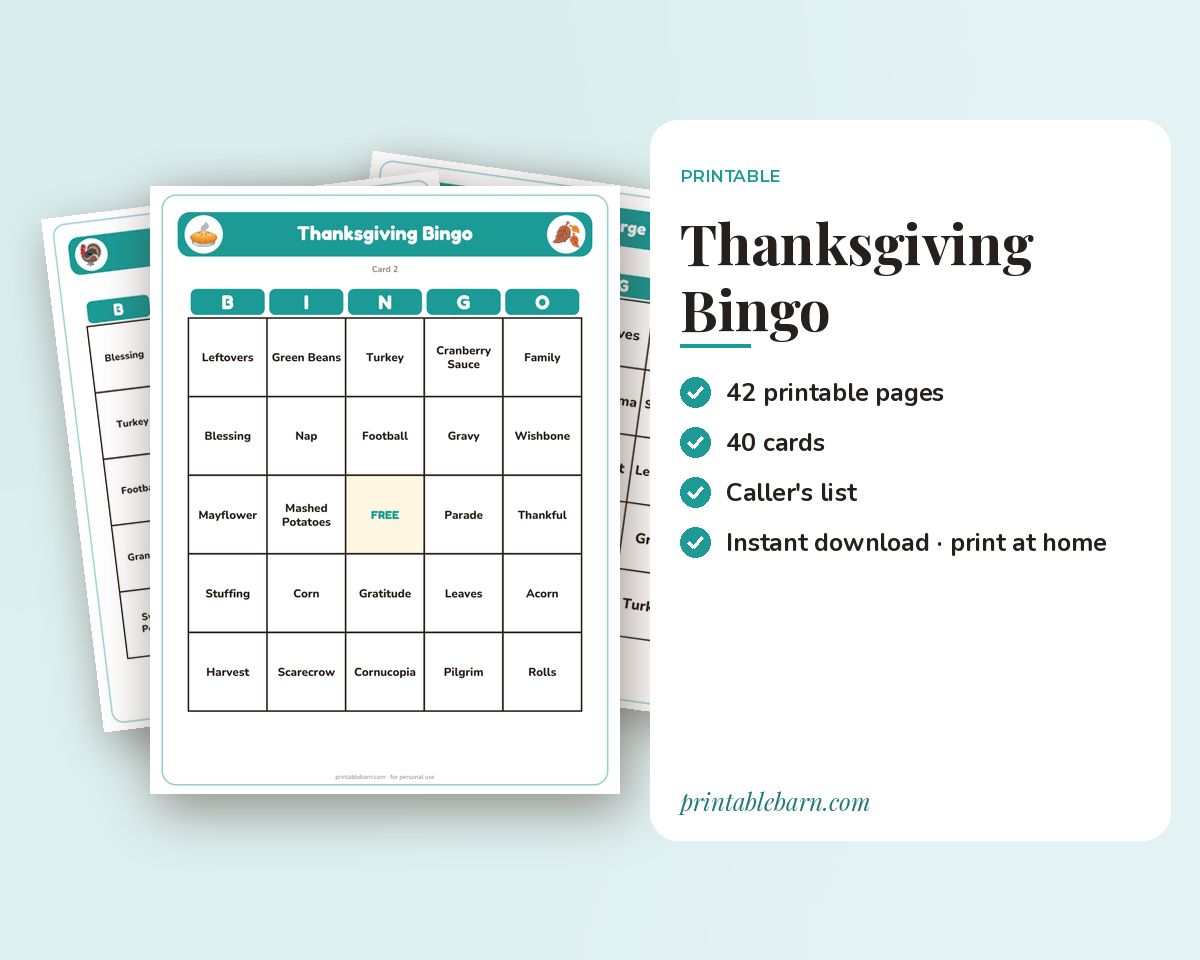 Thanksgiving Bingo: 40 Printable Cards (Regular + Large Print)
 Christmas Bingo: 50 Cards + Nativity Bingo
 Bible Heroes Bingo: 40 Printable Cards (Regular + Large Print)