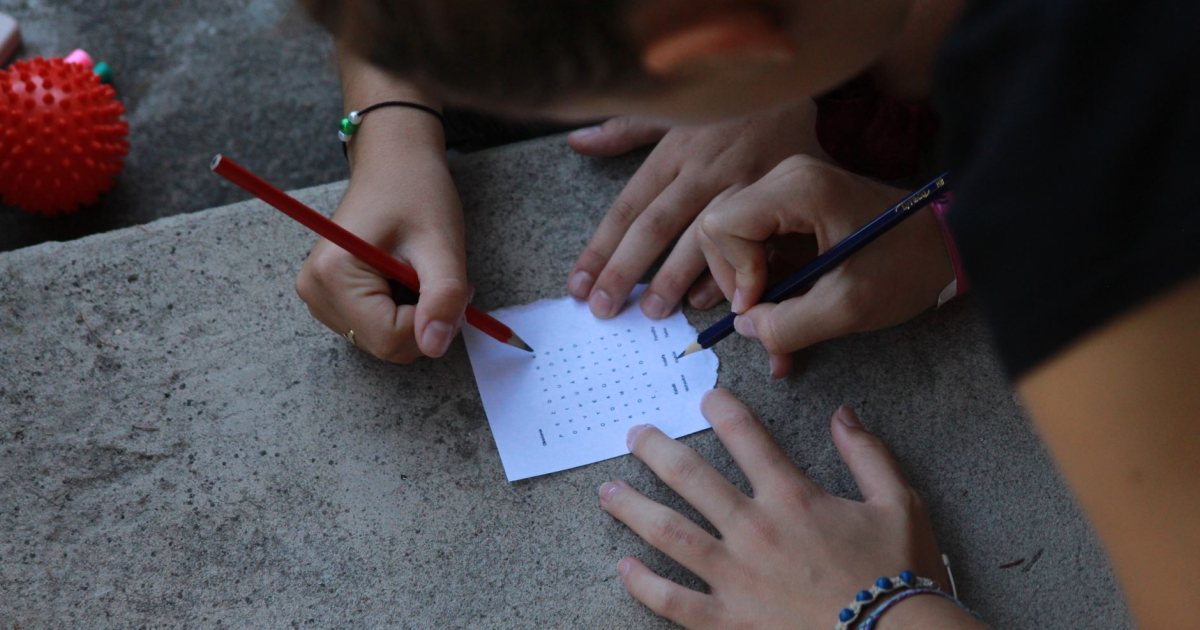
A word search made from your own words is one of the easiest custom printables there is, and one of the most popular: spelling lists for school, guest names for a baby shower, books of the Bible for Sunday school, family names for a reunion, or a resident's hometown and favorite things in memory care.
Step 1: Choose your words
- Stick to one theme. It helps solvers guess what they're looking for.
- Use 10 to 20 words. Fewer for young kids or large print, more for experienced solvers.
- Mix lengths. Short words are hard to find; long words are easy. A mix keeps it fair.
- Skip spaces and punctuation. "ICE CREAM" becomes ICECREAM in the grid.
Step 2: Pick a grid size
| Who it's for | Grid size | Words |
|---|---|---|
| Ages 5 to 7 | 8x8 to 10x10 | 6 to 10, forward only |
| Ages 8 to 12 | 12x12 | 10 to 15, forward and down |
| Adults | 15x15 | 15 to 20, all directions |
| Large print / seniors | 10x10 to 13x13 | 8 to 15, fewer backward words |
Step 3: Choose the difficulty
Easy: words run left to right and top to bottom only. Medium: add diagonals. Hard: add backward words and lots of shared letters.
Step 4: Check for problems
- A short word that appears twice by accident (common with 3-letter words).
- A word hidden inside a longer one (ART inside START).
- Unfortunate random words in the filler letters. A good generator checks for this.
Step 5: Print it (with an answer key)
Print on regular paper, or card stock if it will be laminated and reused with dry-erase markers. Keep the answer key separate.
Make one in two minutes
Printable Barn's custom word search maker takes your word list, builds the puzzle and answer key, and shows you a free preview. Shuffle until you like it, then download the PDF for $3.99 (free with All-Access). Want bingo instead? The custom bingo card generator turns the same list into up to 60 different bingo cards.
Ideas for custom word searches
- Teachers: this week's spelling or vocabulary words
- Baby and bridal showers: the couple's names, baby words, wedding words
- Birthdays and reunions: family names, hometowns, inside jokes
- Church and Sunday school: books of the Bible, this week's lesson words
- Activity directors: residents' names, local landmarks, favorite foods
- Gifts: a puzzle made of a grandparent's grandkids' names
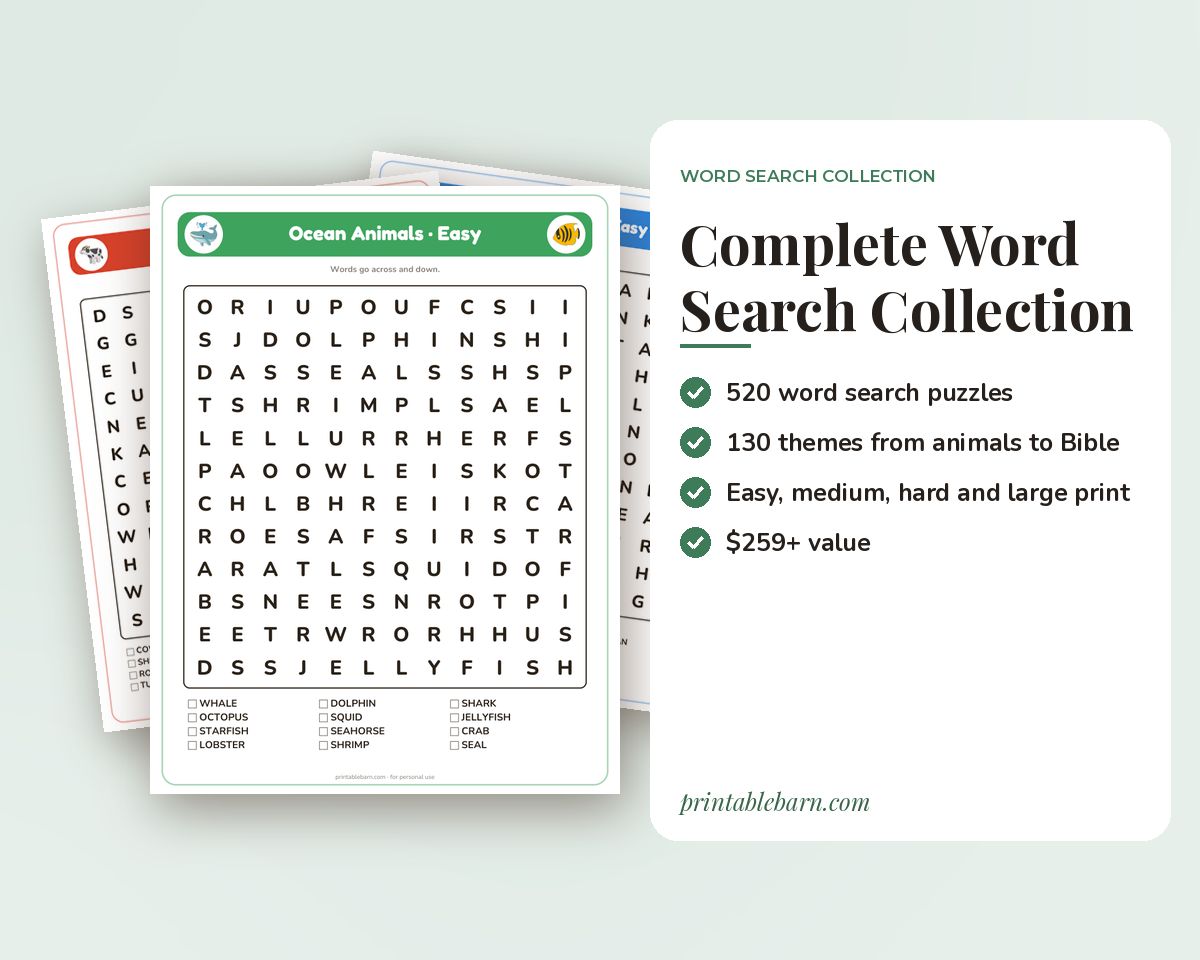 Complete Word Search Collection: 520 Printable Puzzles in 130 Themes (Large Print Included)
 Baby Shower Word Search Printable: 4 Puzzles (Easy to Hard + Large Print)
 New Testament Books Word Search Printable: 4 Puzzles (Easy to Hard + Large Print)
 Classroom Objects Word Search Printable: 4 Puzzles (Easy to Hard + Large Print)